
The easiest way to reach the Code Injection panel is to press the ? key (or “/” key) on your keyboard and then start typing “Code Injection”. As you type “Code”, the option should appear (see below) and you can then select this to jump to the correct location (see the video below).

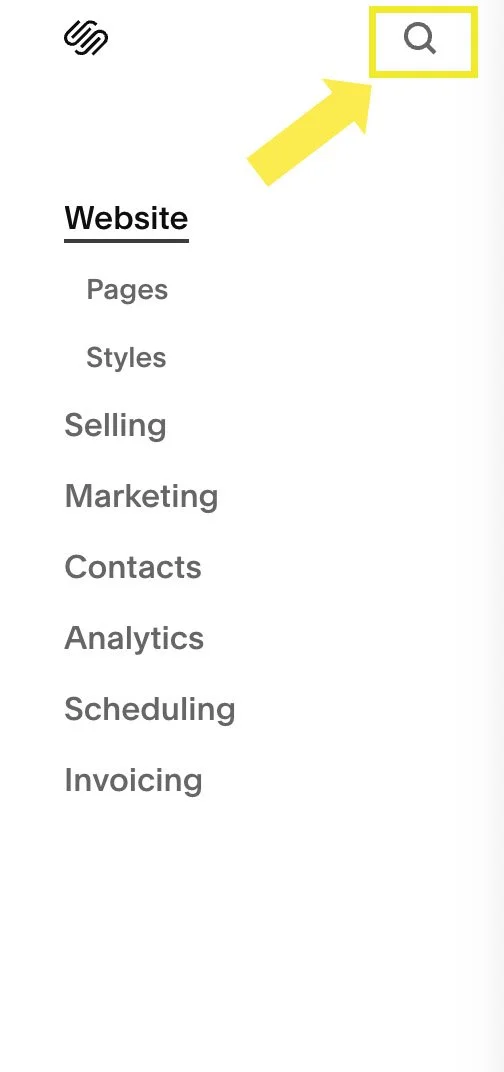
If you are on Squarespace version 7.1, you can also click the search icon in the top corner. For some reason, they haven’t added this icon to version 7.0!
Other ways to reach the Code Injection panel:
On Squarespace 7.1:
Navigate to Website > Pages > Custom Code > Code Injection.
*You’ll find Custom Code below your list of website pages. If you have lots of pages, you may need to do lots of scrolling!
On Squarespace 7.0:
If you’re using an older version of Squarespace, you can navigate to Website > Pages > Website Tools > Code Injection.
