
Removing 'Select' from Variant Dropdowns on Squarespace 7.1
If your products have variants, for example different sizes or colours, these will be displayed as dropdown options, prefixed with ‘Select’.
This prompt is designed to ensure that customers select a variant before trying to add the item to their cart, but if you are building a site in another language, you may want to remove the word “Select” so that it looks like the version on the right:
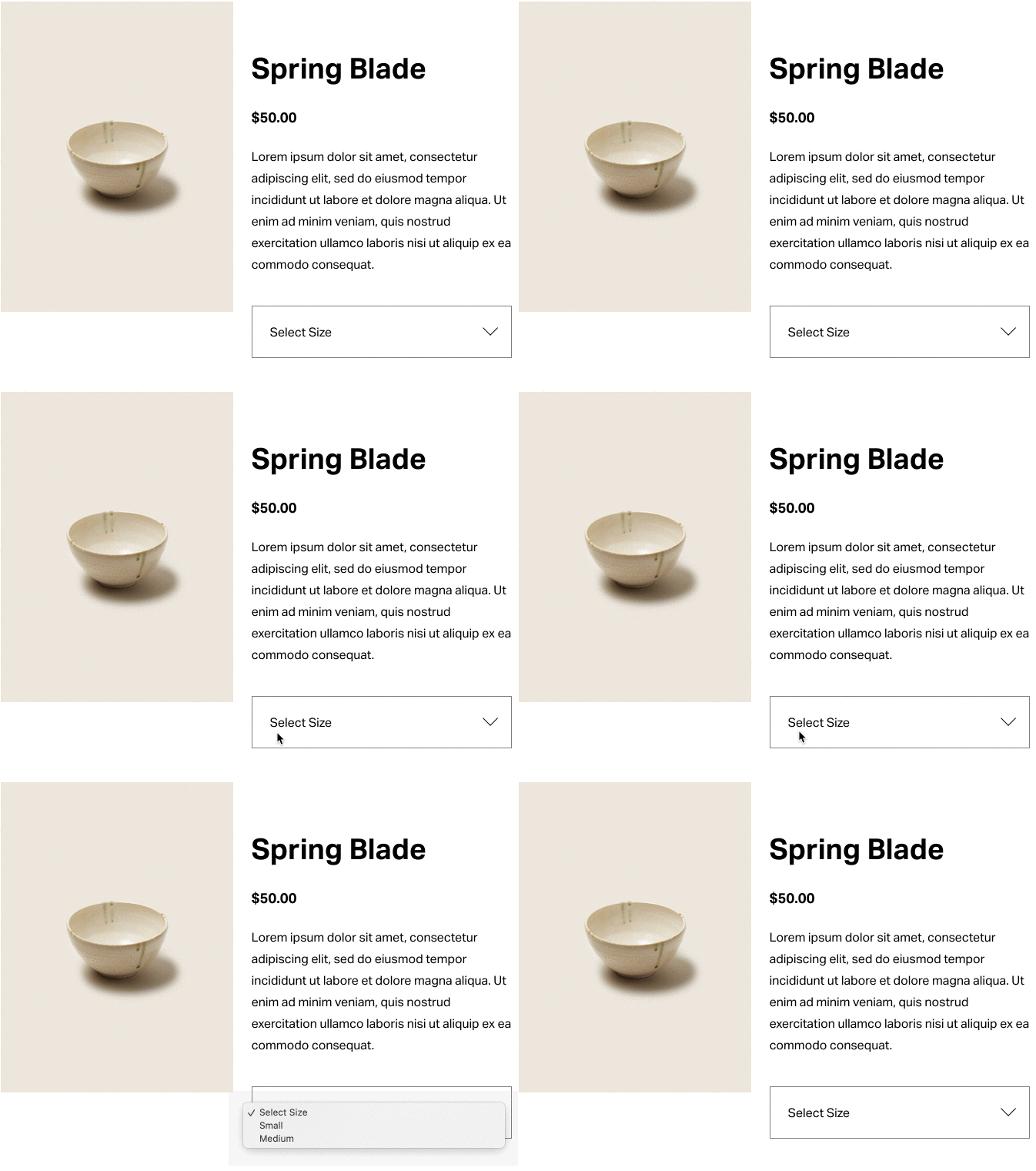
Size variant displayed as “Select Size”
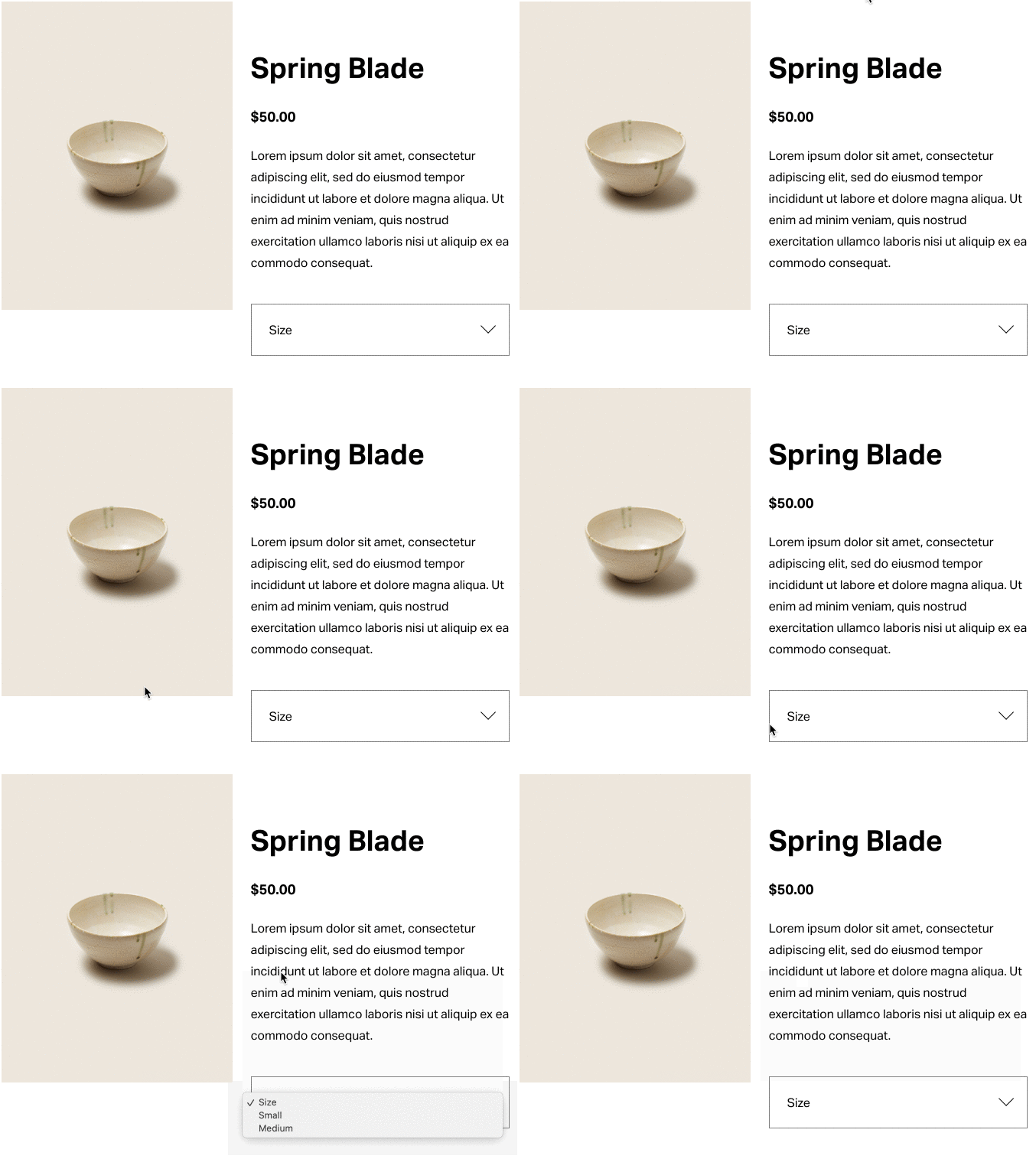
Size variant displayed as “Size” (without “Select”)
To achieve this on your Squarespace 7.1 site, add the following JavaScript to Settings > Advanced > Code Injection > Footer. and then save your changes. When the page has refreshed, you should see the variants without the word “select”.
<!-- Start of Remove Select for Squarespace 7.1 --------------------------------------->
<!-- Copyright (c) 2020-21 Soundfocus Digital [https://sf.digital] -------------------->
<script>
var sfRsSelectLabel = 'Select';  //Name of 'Select' for example 'Select' or 'Sélectionnez'
var _0x3c5b38=_0x1c77;(function(_0x1b1453,_0x204af4){var _0x3502c8=_0x1c77,_0x350c28=_0x1b1453();while(!![]){try{var _0x168214=parseInt(_0x3502c8(0xfe))/0x1+-parseInt(_0x3502c8(0x10a))/0x2*(parseInt(_0x3502c8(0x104))/0x3)+parseInt(_0x3502c8(0xed))/0x4+-parseInt(_0x3502c8(0xf0))/0x5*(-parseInt(_0x3502c8(0xfa))/0x6)+parseInt(_0x3502c8(0xff))/0x7*(-parseInt(_0x3502c8(0x103))/0x8)+-parseInt(_0x3502c8(0x112))/0x9+parseInt(_0x3502c8(0xf1))/0xa;if(_0x168214===_0x204af4)break;else _0x350c28['push'](_0x350c28['shift']());}catch(_0x42ba45){_0x350c28['push'](_0x350c28['shift']());}}}(_0x456d,0x1bb2a));function sfRemoveSelectInit(){setTimeout(function(){var _0x542b22=_0x1c77;if(document[_0x542b22(0x109)+_0x542b22(0x113)](_0x542b22(0x10c)+_0x542b22(0x10d)+'apper')){var _0x50a239,_0x3f2e34;console[_0x542b22(0x102)](_0x542b22(0x10e)+_0x542b22(0xf6)+'nsion\x20ver'+_0x542b22(0xeb)),console['log']('This\x20webs'+_0x542b22(0x105)+_0x542b22(0xef)+'oundfocus'+_0x542b22(0xec)+_0x542b22(0xee)),console[_0x542b22(0x102)](_0x542b22(0xe9)+'arespace\x20'+_0x542b22(0xfb)+_0x542b22(0x10f)+_0x542b22(0xf7)+_0x542b22(0x101)+'espace-ex'+_0x542b22(0xf4)),_0x50a239=document[_0x542b22(0x109)+'ctorAll'](_0x542b22(0x10c)+'select-wr'+'apper');for(var _0xe580d0=0x0;_0xe580d0<_0x50a239[_0x542b22(0xf2)];_0xe580d0++)_0x3f2e34=(_0x3f2e34=_0x50a239[_0xe580d0][_0x542b22(0x100)+_0x542b22(0xfd)]('data-text'))[_0x542b22(0xf9)](sfRsSelectLabel,''),console[_0x542b22(0x102)](_0x542b22(0x111)+_0x542b22(0x10b)+_0x542b22(0x114)+_0x3f2e34),_0x50a239[_0xe580d0][_0x542b22(0x109)+_0x542b22(0x113)](_0x542b22(0x110))[_0x542b22(0xf8)]=_0x3f2e34,_0x50a239[_0xe580d0][_0x542b22(0x107)+_0x542b22(0xfd)](_0x542b22(0x108),_0x3f2e34);}},0x258);}function _0x1c77(_0x321a35,_0x7c911){var _0x456d73=_0x456d();return _0x1c77=function(_0x1c77a5,_0x5308bd){_0x1c77a5=_0x1c77a5-0xe9;var _0x366266=_0x456d73[_0x1c77a5];return _0x366266;},_0x1c77(_0x321a35,_0x7c911);}sfRsSelectLabel+='\x20',document[_0x3c5b38(0xea)+'istener'](_0x3c5b38(0xf5)+_0x3c5b38(0xfc),sfRemoveSelectInit),window['addEventL'+_0x3c5b38(0x106)]('mercury:l'+_0x3c5b38(0xf3),sfRemoveSelectInit);function _0x456d(){var _0x4f9880=['innerText','replace','87738EEWqNn','Expert,\x20s','tLoaded','ute','151010GVBWRk','4858xHbAih','getAttrib','tal/squar','log','1128peLXFk','38235xYdtPc','ite\x20uses\x20','istener','setAttrib','data-text','querySele','8vKGhUH','iant\x20labe','.variant-','select-wr','Remove\x20Se','ee\x20https:','option','Found\x20var','2007468SNVdIo','ctor','lled\x20','For\x20a\x20Squ','addEventL','sion\x200.4.','\x20Digital\x20','267928fxwyyO','Media.','code\x20by\x20S','50CeSZxE','1211140QMUdVt','length','oad','pert-help','DOMConten','lect\x20exte','//sf.digi'];_0x456d=function(){return _0x4f9880;};return _0x456d();}
</script>
<!-- End of Remove Select for Squarespace --------------------------------------------->
If your Squarespace site is set to a language other than English, you can change the spelling of ‘Select’ on line 4 (above) to match your site. For example, ‘Sélectionnez’ instead.
Note that this is a free example that has been coded to work on standard pages. It does not remove ‘Select’ from Quick View windows and may have other limitations. It is provided without warranty.
If you’d like a professional solution, for this or any other problem, you can book a Squarespace Expert here.
