
No. Squarespace does not have a built-in “flipbook” feature but you can easily embed a PDF document into Squarespace using a Markdown Block and a free service like Heyzine (affiliate link).
What is Heyzine?
Heyzine (affiliate link) is a service that converts any PDF document to a flipbook and then hosts your flipbook on their server, so it can easily be viewed directly on your Squarespace website. There’s a free plan without ads where you can try it out, but I warmly recommend their paid plan at just £3 (US$4/€4) per month as this allows you to host unlimited flipbooks and with no advertising and no Heyzine branding!
Heyzine’s standard plan (£3) includes:
Unlimited flip books
Unlimited pages
No ads
No watermarks
White label branding (no flipbook logo!)
Choose a background image or a plain colour behind the flipbook.
You can also use your own company brand colors.
How does it work?
First, create a free account on Heyzine (affiliate link), then upload your PDF file by clicking Upload or dragging your PDF file to this box:

Next, use the editor to customise your flipbook:
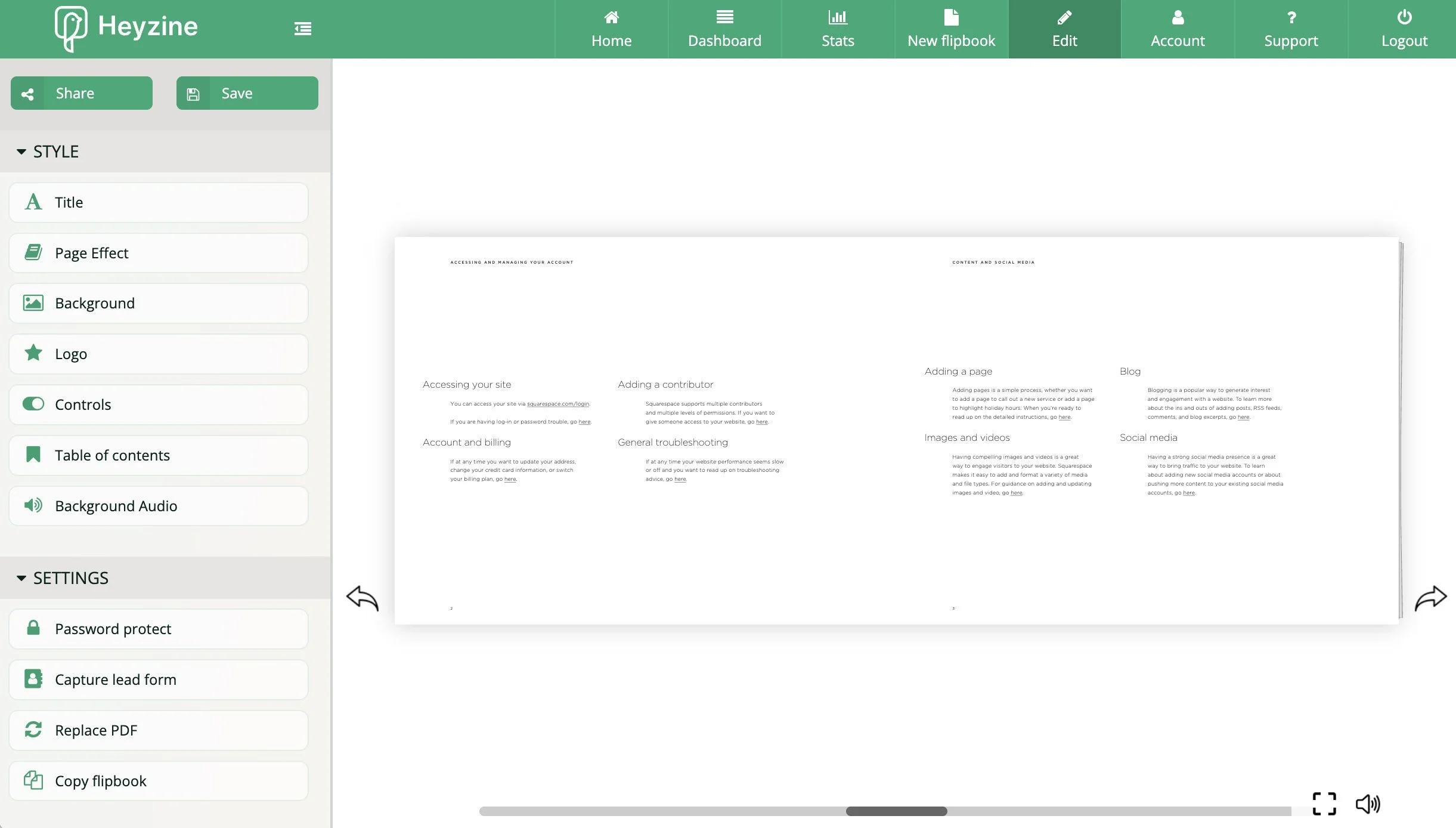
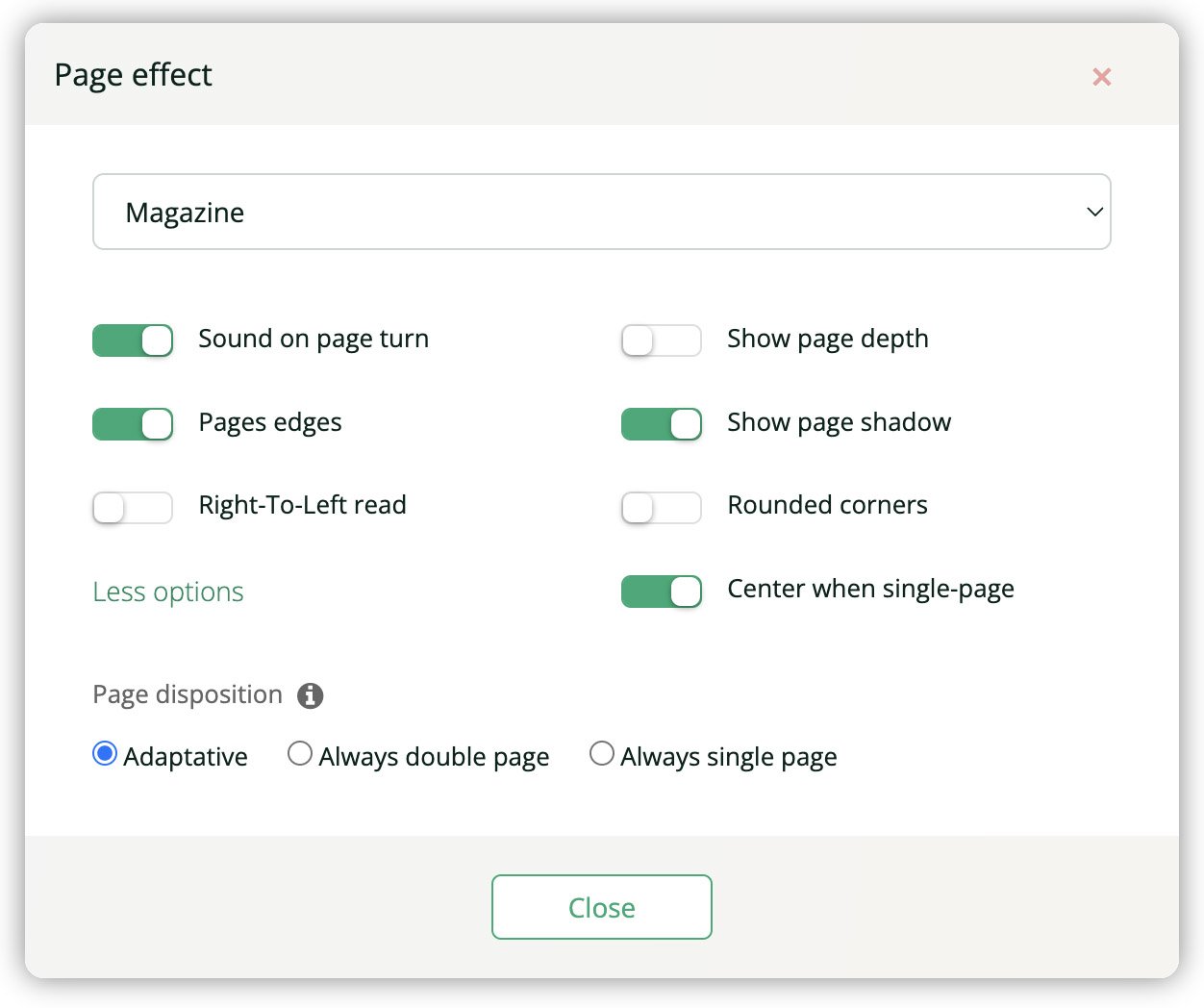
For example, in Page Effect, you can choose whether there are shadows on the edges of pages, whether there’s a sound when pages turn, and more (see below).
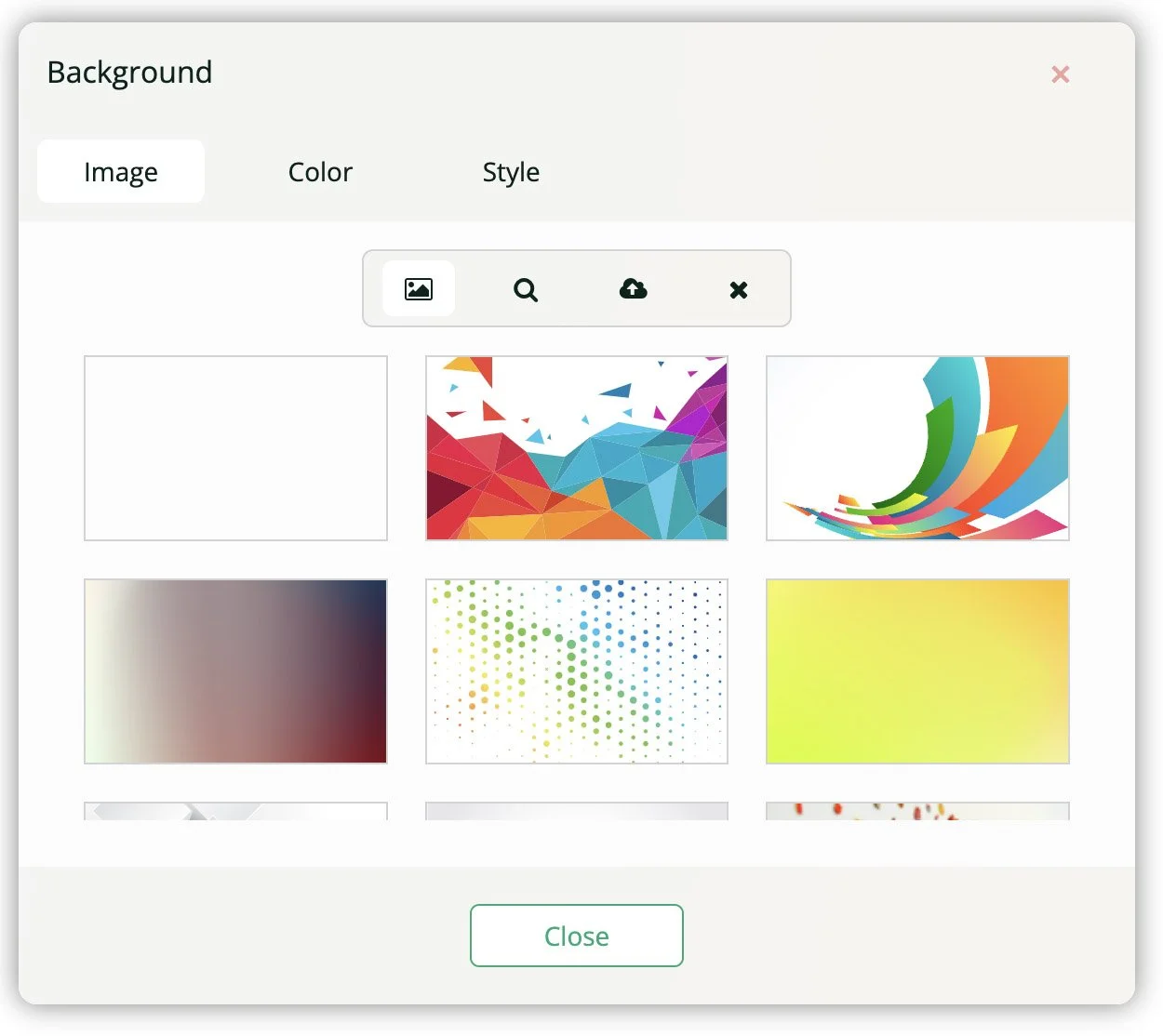
In Background, you can choose whether there’s a colour or an image shown behind your flipbook. For example, you can choose a white background so that the flipbook appears part of your Squarespace web page.
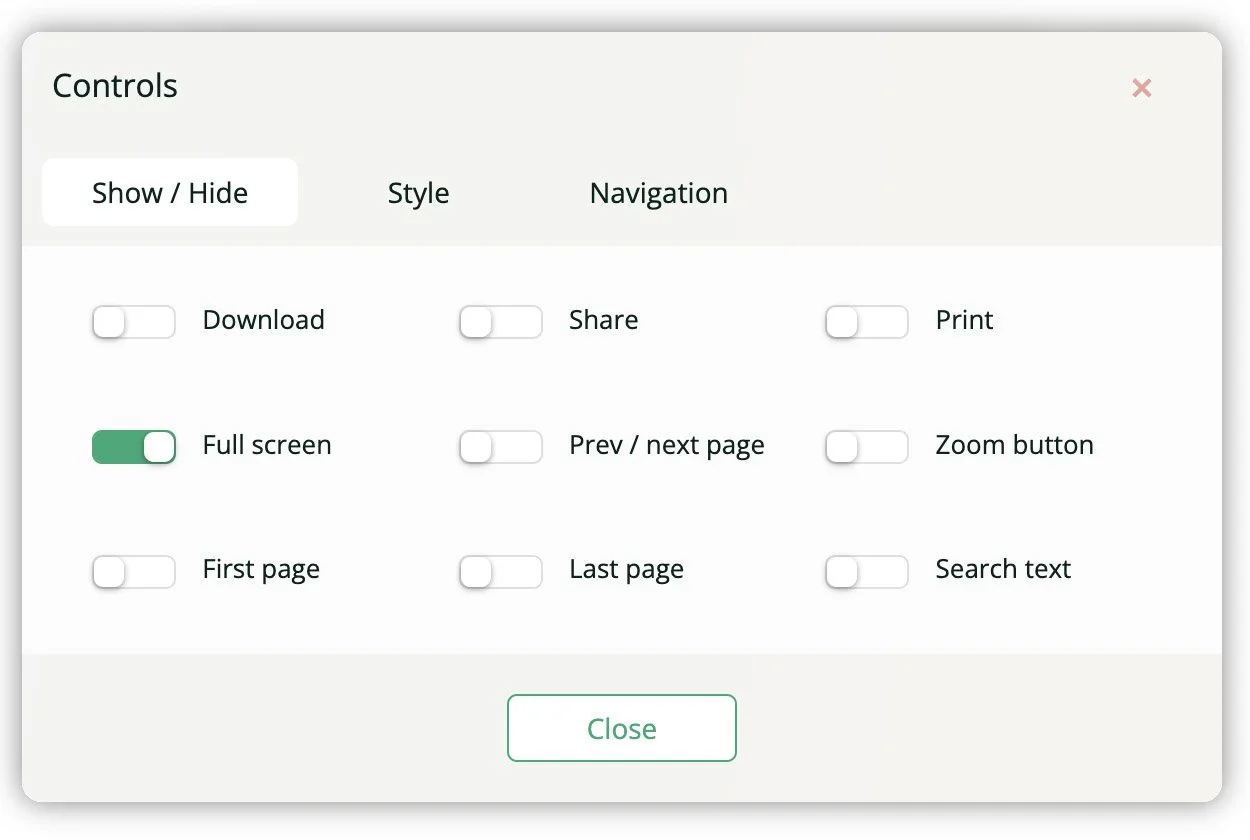
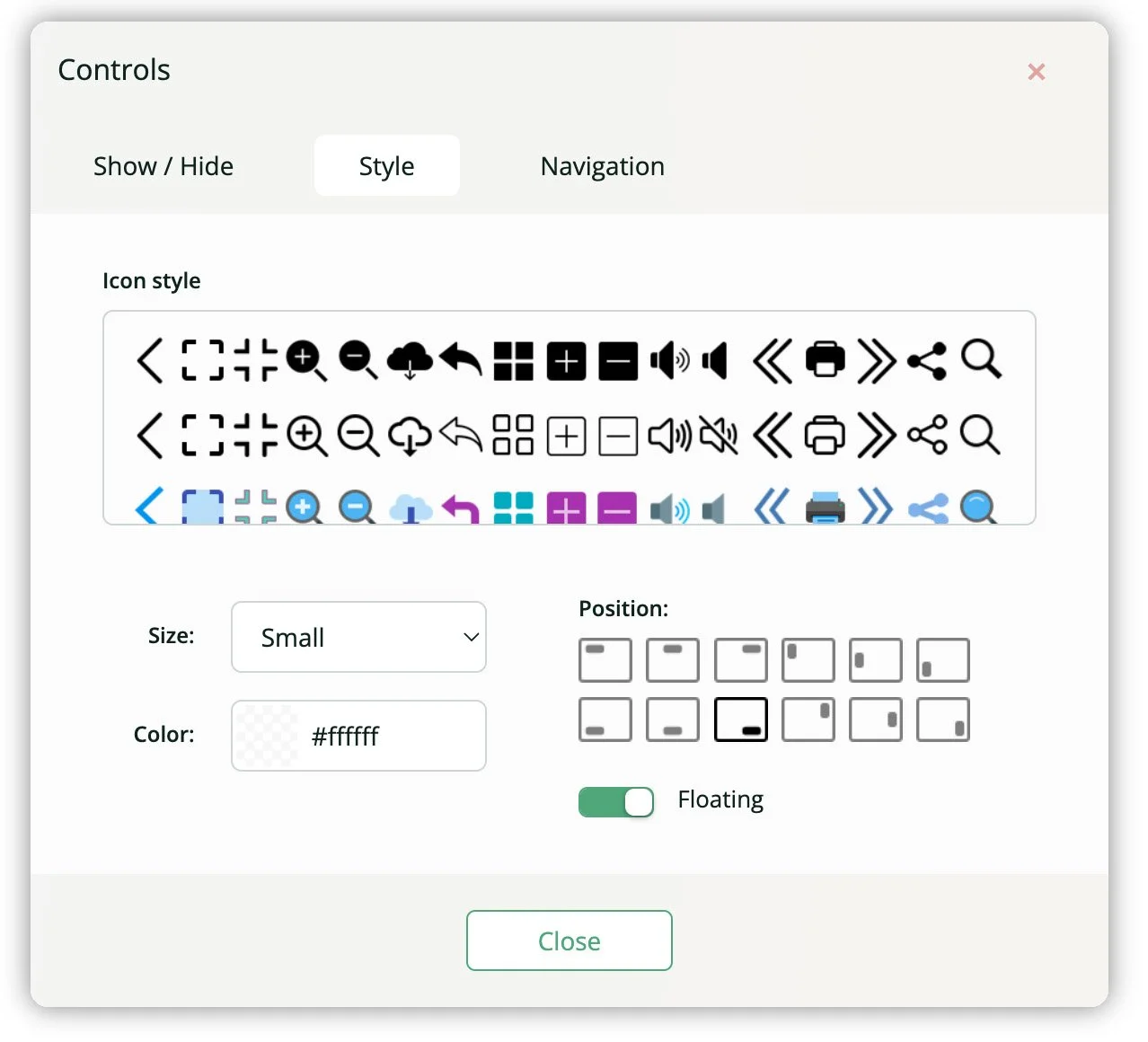
In Controls, you can choose which icons you want to include on the page. For example, do you want to include links to the first and last page? You can also choose from different styles of icons by clicking on Style.
Adding the flipbook to Squarespace
When you’re ready to add the flipbook to Squarespace, click the green Share button in the top-left corner. This will open the Share panel (shown below).
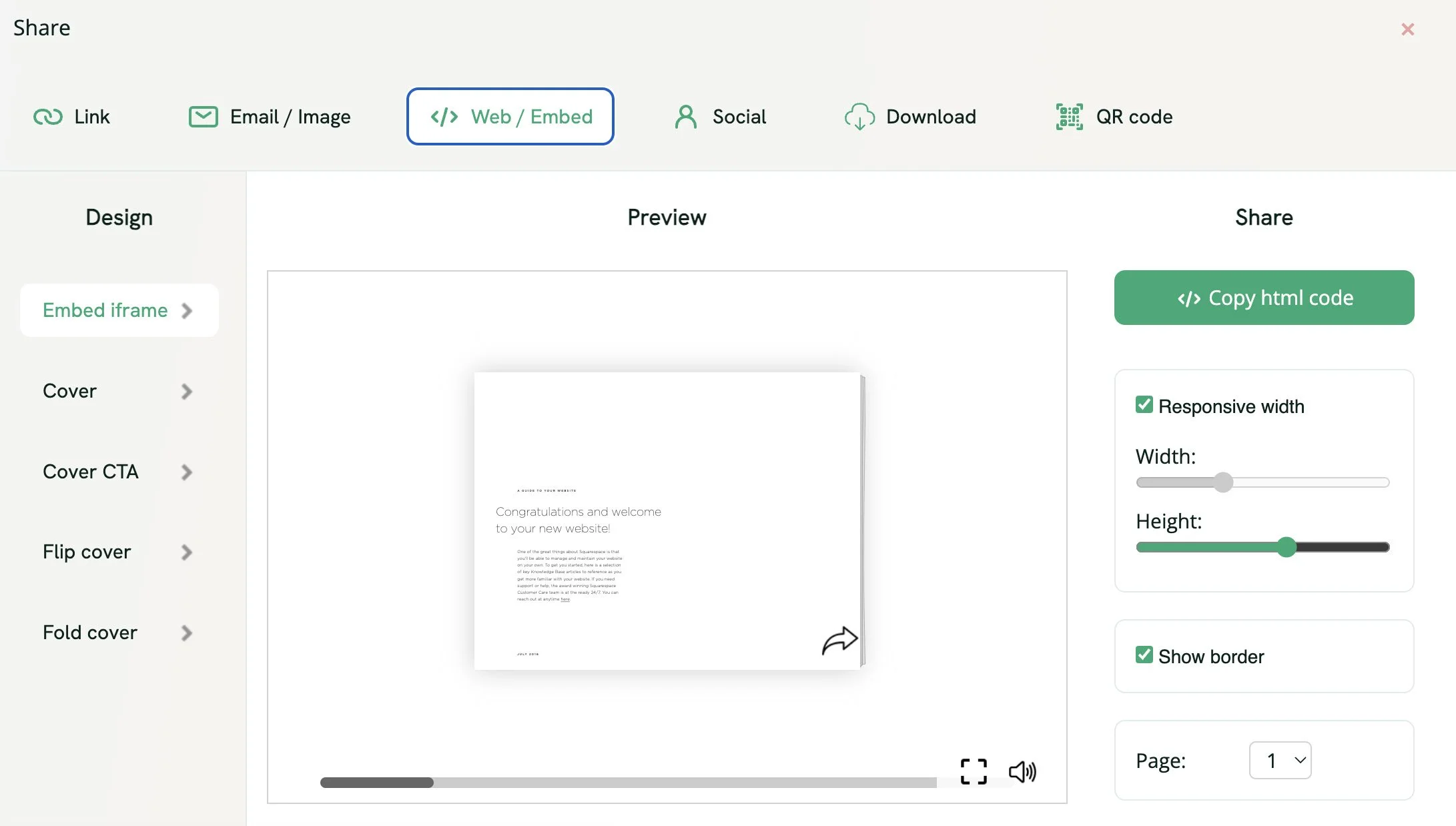
Choose Web / Embed and then click the green button labelled </> Copy html code.
Go to Squarespace, edit your page and add a Markdown Block.
Paste the code into the Markdown Block and save the page.
You should now see your flipbook on your Squarespace webpage!
Example Flipbook
This is a Squarespace website so here’s an example of how a simple PDF document looks when it has been converted into a flipbook with Heyzine, and embedded on a page:
