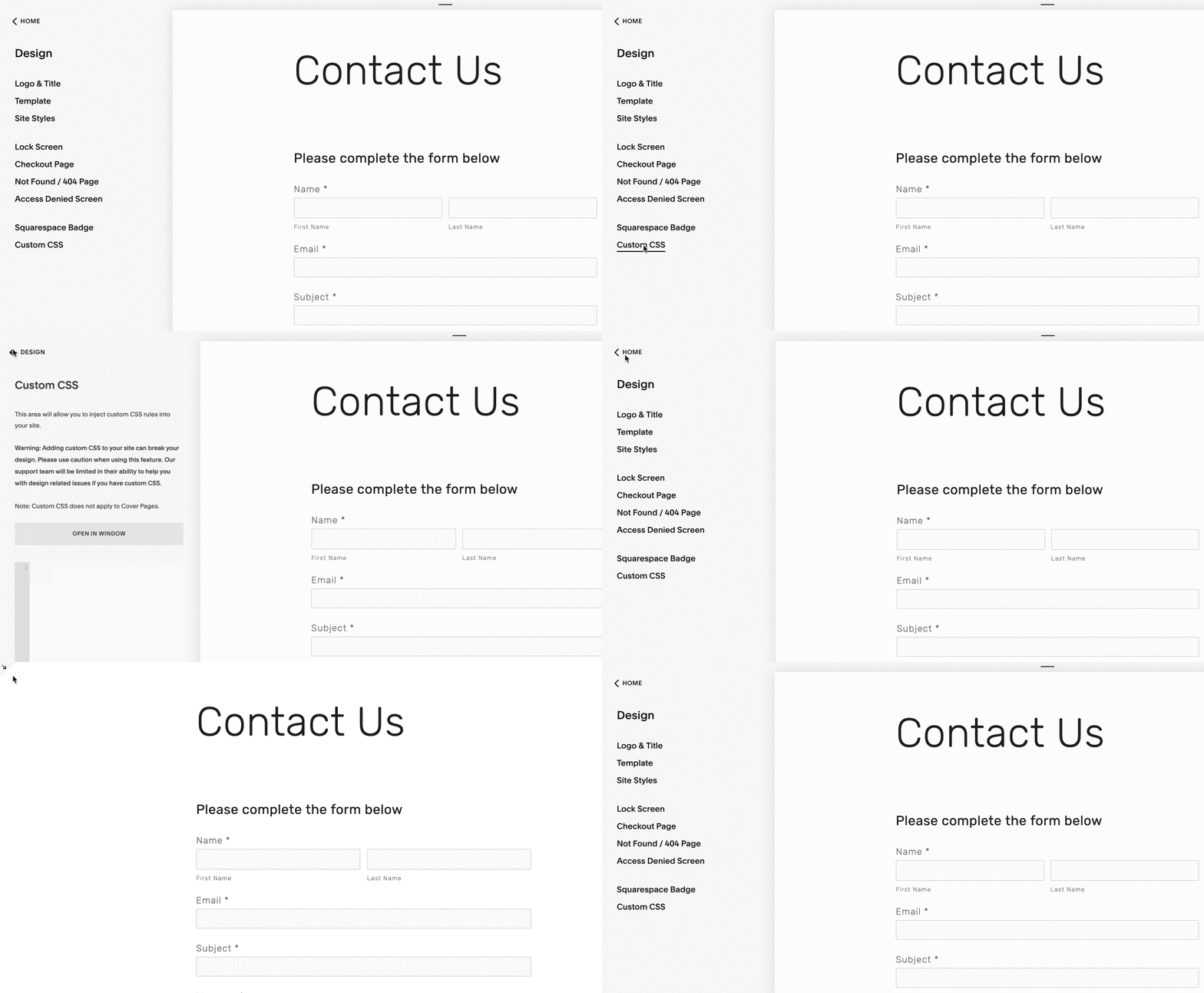
Bug when closing Custom CSS panel [07 November 2019]
When logged on to a Squarespace 7.0 site, the config panel should always be shown on the left of the preview pane. However, when the Custom CSS panel is closed, the config menu completely disappears and the site preview pane is maximised. This is a bug. It should not happen. The config menu must be manually opened every time by clicking on the corner arrow.
This issue was fixed on Squarespace 7.1, but remains on Squarespace 7.0.
Resolved on Squarespace 7.0 - March 2022