
When you upload a logo to your Squarespace site, the size defaults to the setting in Site Styles. Once you’ve uploaded your logo, open the Style Editor and look for the setting that affects the logo. It will vary in name from template to template, but it is often called Logo Width. The logo will retain its aspect ratio, so adjusting the width setting also adjusts the height.
There’s a slider to adjust the size, but this has a limit. If you want to select a larger size, click the numbers beside it and change the size in pixels by overtyping the current value.
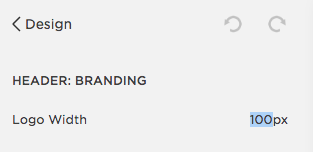
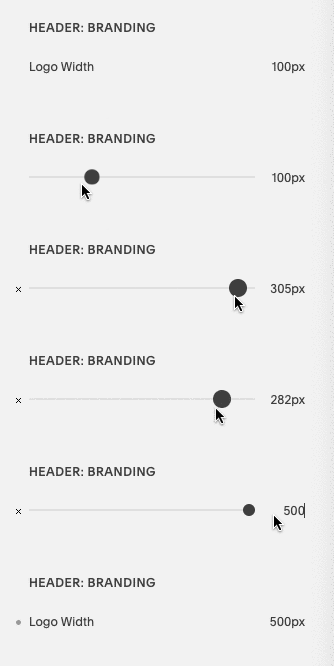
Use the slider or overtype the size in pixels
