
Squarespace is a great platform, but there are some irritating aspects to their forms. Whilst most form issues affect customers outside North America, the ‘Time’ field is irritating for absolutely everyone because users are forced to include seconds when they enter a time. It makes no sense!

Seconds field left empty
Here’s a workaround that will hide the ‘seconds’ field from view and automatically add a ‘zero seconds’ value so that the field does not fail error-checking. Note that this is a workaround, not a solution, so it does have some limitations.
Firstly, it will make your time field mandatory. Users won’t be able to leave the time field blank.
Secondly, it has been written to work on standard Squarespace forms, the kind you typically use for contact forms. It won’t work with lightbox forms or product forms. However, it does work on all Squarespace 7.0 and 7.1 sites.
Add this to Settings > Advanced > Code Injection in the box labelled Footer:
<!-- Hide seconds on time field ------------------------------------------>
<!-- You may inject freely on Squarespace sites, but do not re-publish --->
<!-- Copyright 2019-2020 Soundfocus Digital [www.sf.digital] ------------->
<script>
var a=['\x2e\x66\x6f\x72\x6d\x2d\x69\x74\x65\x6d\x2e\x74\x69\x6d\x65','\x2e\x66\x69\x65\x6c\x64\x2d\x65\x6c\x65\x6d\x65\x6e\x74\x5b\x64\x61\x74\x61\x2d\x74\x69\x74\x6c\x65\x3d\x22\x53\x65\x63\x6f\x6e\x64\x22\x5d','\x6e\x6f\x6e\x65','\x71\x75\x65\x72\x79\x53\x65\x6c\x65\x63\x74\x6f\x72','\x76\x61\x6c\x75\x65','\x6d\x65\x72\x63\x75\x72\x79\x3a\x6c\x6f\x61\x64','\x6c\x65\x6e\x67\x74\x68','\x54\x68\x69\x73\x20\x73\x69\x74\x65\x20\x69\x73\x20\x75\x73\x69\x6e\x67\x20\x61\x20\x63\x6f\x64\x65\x20\x73\x6e\x69\x70\x70\x65\x74\x20\x77\x72\x69\x74\x74\x65\x6e\x20\x62\x79\x20\x53\x6f\x75\x6e\x64\x66\x6f\x63\x75\x73\x20\x44\x69\x67\x69\x74\x61\x6c\x20\x5b\x77\x77\x77\x2e\x73\x66\x2e\x64\x69\x67\x69\x74\x61\x6c\x5d','\x61\x64\x64\x45\x76\x65\x6e\x74\x4c\x69\x73\x74\x65\x6e\x65\x72','\x64\x69\x73\x70\x6c\x61\x79'];(function(b,c){var f=function(g){while(--g){b['push'](b['shift']());}};f(++c);}(a,0x182));var b=function(c,d){c=c-0x0;var e=a[c];return e;};function c(){var d,e,f,g;console['\x6c\x6f\x67'](b('\x30\x78\x31'));if(g=document['\x71\x75\x65\x72\x79\x53\x65\x6c\x65\x63\x74\x6f\x72\x41\x6c\x6c'](b('\x30\x78\x34'))){for(d=0x0;d<g[b('\x30\x78\x30')];d+=0x1){e=g[d][b('\x30\x78\x37')](b('\x30\x78\x35'));e[b('\x30\x78\x38')]='\x30\x30';f=g[d][b('\x30\x78\x37')]('\x2e\x66\x69\x65\x6c\x64\x2e\x73\x65\x63\x6f\x6e\x64\x2e\x74\x77\x6f\x2d\x64\x69\x67\x69\x74\x73');f['\x73\x74\x79\x6c\x65'][b('\x30\x78\x33')]=b('\x30\x78\x36');}}};window[b('\x30\x78\x32')](b('\x30\x78\x39'),c);document[b('\x30\x78\x32')]('\x44\x4f\x4d\x43\x6f\x6e\x74\x65\x6e\x74\x4c\x6f\x61\x64\x65\x64',c);
</script>
Save the changes and you should see this instead:

Squarespace Time field without seconds
This is a very simple script that took 10 minutes to write. For a time-entry solution that is better than the Squarespace option, consider booking a developer to help you with your site.
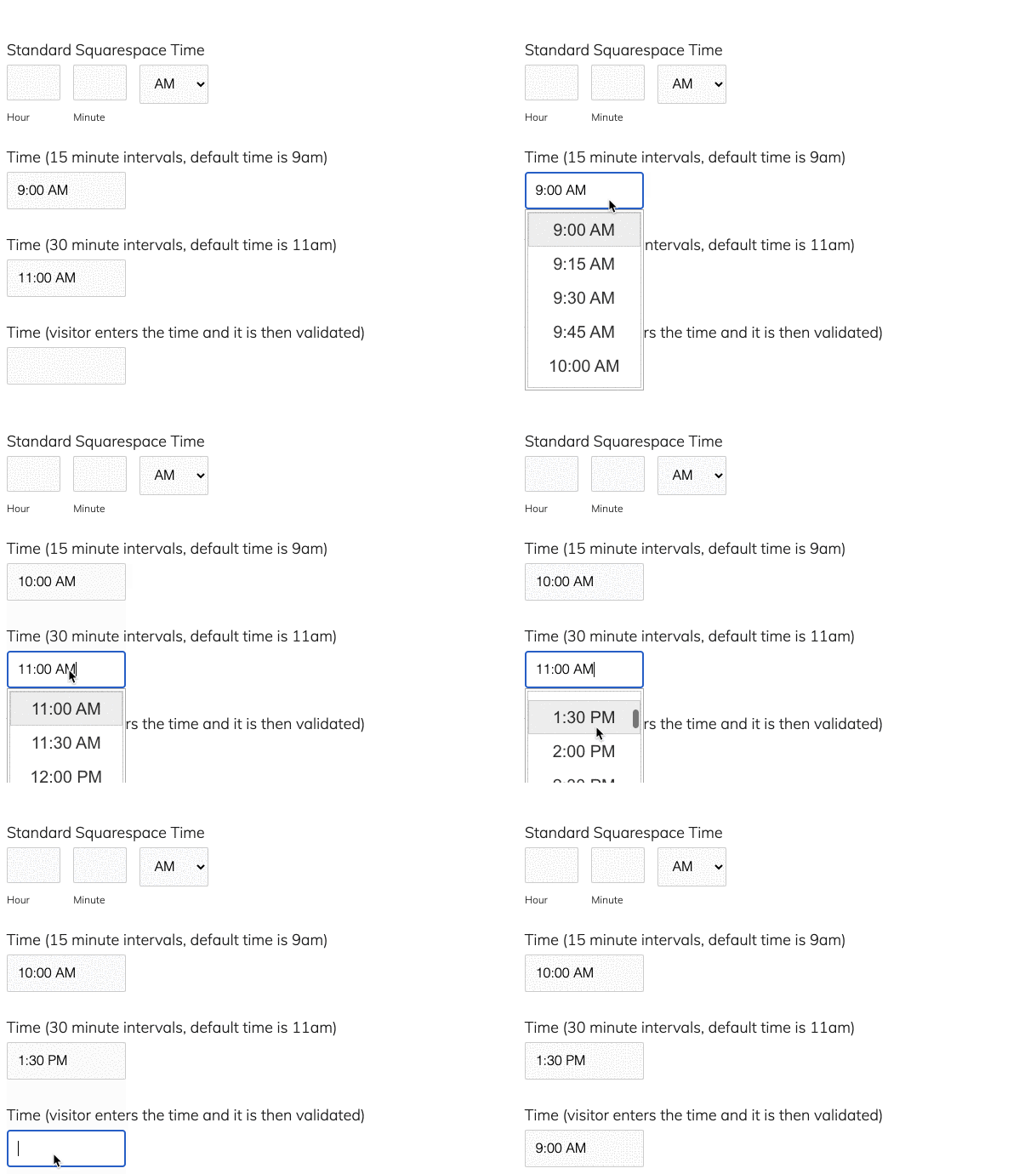
A selection of time entry styles on a Squarespace Form Block
