
Yes! In August 2023, Squarespace introduced Courses, a fantastic way to collect passive income and grow your online audience.

An example Courses page
Courses is part of Squarespace’s new Digital Products ecosystem and makes it even easier to share your knowledge by creating a guided set of lessons that are placed behind a paywall and require your visitors to sign up to access your content.
Squarespace have intentionally created a lot of flexibility with their new Digital Products ecosystem and, whilst this gives you a lot of power to design it how you want, it can also make it overwhelming and confusing, especially for anyone who is new to the platform. The Squarespace Digital Products ecosystem includes Courses, Video Libraries and Member Sites (previously called Member Areas). So what are the differences between these offerings?
Courses
Courses is designed for structured, ordered lessons. It is designed to allow students to follow lessons sequentially, and track their progress through the course. For example, Courses would probably be the best option when creating a masterclass for aspiring chefs.
Videos Pages
Videos Pages allow you to create unordered libraries of video content. A Videos page may be more suitable when you are offering video lessons that students may want to pick at random and watch.
For example, this may suit a yoga studio that offers a library of exercises for students to pick from. Students could pick any exercise on any day and not want to watch them in sequence.
Note that Videos Pages do not offer progress-tracking like Courses do.

An example Videos page
Member Sites
A Member Site (formally known as a Member Area) offers even more flexibility, so here's where the explanation may get confusing. A Member Site will allow you to put an entire group of pages and collections (Blogs, Stores, Videos) behind a "paywall". You can also place Courses and Videos Pages in a Member Site 🤯 !
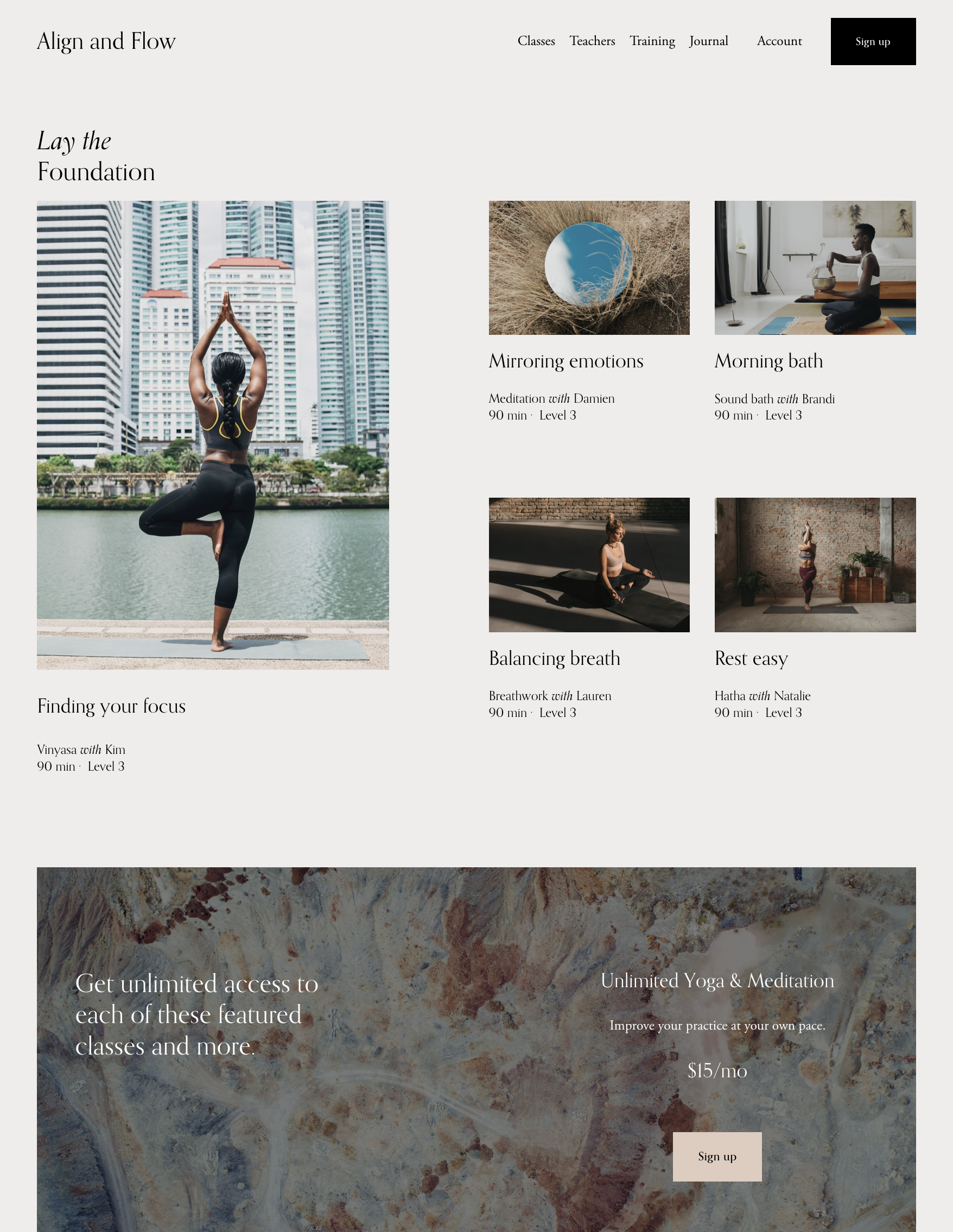
An example Member Site page
If you want to bundle content, a Member Site structure allows you to sell one "product" - the Member Site - and provide members with access to as much content as you like. For example, you could include one or more structured Courses, a Videos Page of supplementary content as well as pages, Blogs, gated Stores, and so on. Alternatively, you may prefer to sell your Courses and your Member Site as separate products, or you may not need a Member Site at all! This flexibility is great but may be overwhelming.
If you’d like to look at the experience from a customer’s point of view, you may find it helpful to read The digital product customer experience guide from Squarespace. Their guide attempts to explain what a visitor will experience when they try to discover and sign up for Digital Products such as a Member Site, enrolling in a Course, or access to a Videos Page.
As you’re building the pages on your own website, you can test it from a visitor’s perspective by opening a private or incognito browser window and then browsing your website using its website address (without the /config part of the URL). If you have created a sign-up page or sign-up section, you will be able to select one of your course options and sign-up. After choosing a pricing plan, you'll be prompted to create a customer account. If you charge for your digital product, you'll see the checkout page after clicking Create account (if your course is free, you'll skip the checkout process).
Free training on Squarespace Courses
Squarespace have produced a free video series called Introducing Courses that explains how to build a class based on your expertise and sell it to your visitors.
Courses Overview
Creating a Course Outline
Video Production Tips
Build a Course Page
Selling Digital Products on Squarespace
How to Price Online Courses for Your Target Audience
Marketing and Selling an Online Course
Squarespace Commercial - The Business Inside Your Business
