
When the Squarespace cart is empty, visitors can click the Continue Shopping link to return to your store. If they’ve arrived on an empty cart, they are clearly doing something wrong and need a little direction, so this link is appreciated! However, this link doesn’t appear if there are items in the cart. Why? Because one school of thought says that once a potential customer has reached the cart, you should only direct them to the checkout and not distract them with other information. Depending on the shopping behaviors of your users, this may or may not be true.
Feedback shows that the cart is an important step in the purchase process, because it gives users a sense of control. This is especially important for users who are nervous of online shopping as it allows them to check that the correct items are in their cart and then confidently continue shopping, or proceed with their checkout. But how easy is it for them to continue shopping if there’s no signposting to enable them to get there? A Continue Shopping button will help!
I produced a cost-effective plugin that adds a Continue Shopping button to the Squarespace Cart - on both Squarespace 7.0 and 7.1. This improves user experience (UX) by clearly signposting a route back to your products.
It’s one of a number of UI/UX changes that could improve usability and increase conversion on a Squarespace website and I’ll be adding more of these in the coming months.
Here are some screenshots after the Continue Shopping button plugin has been installed on a Squarespace website.
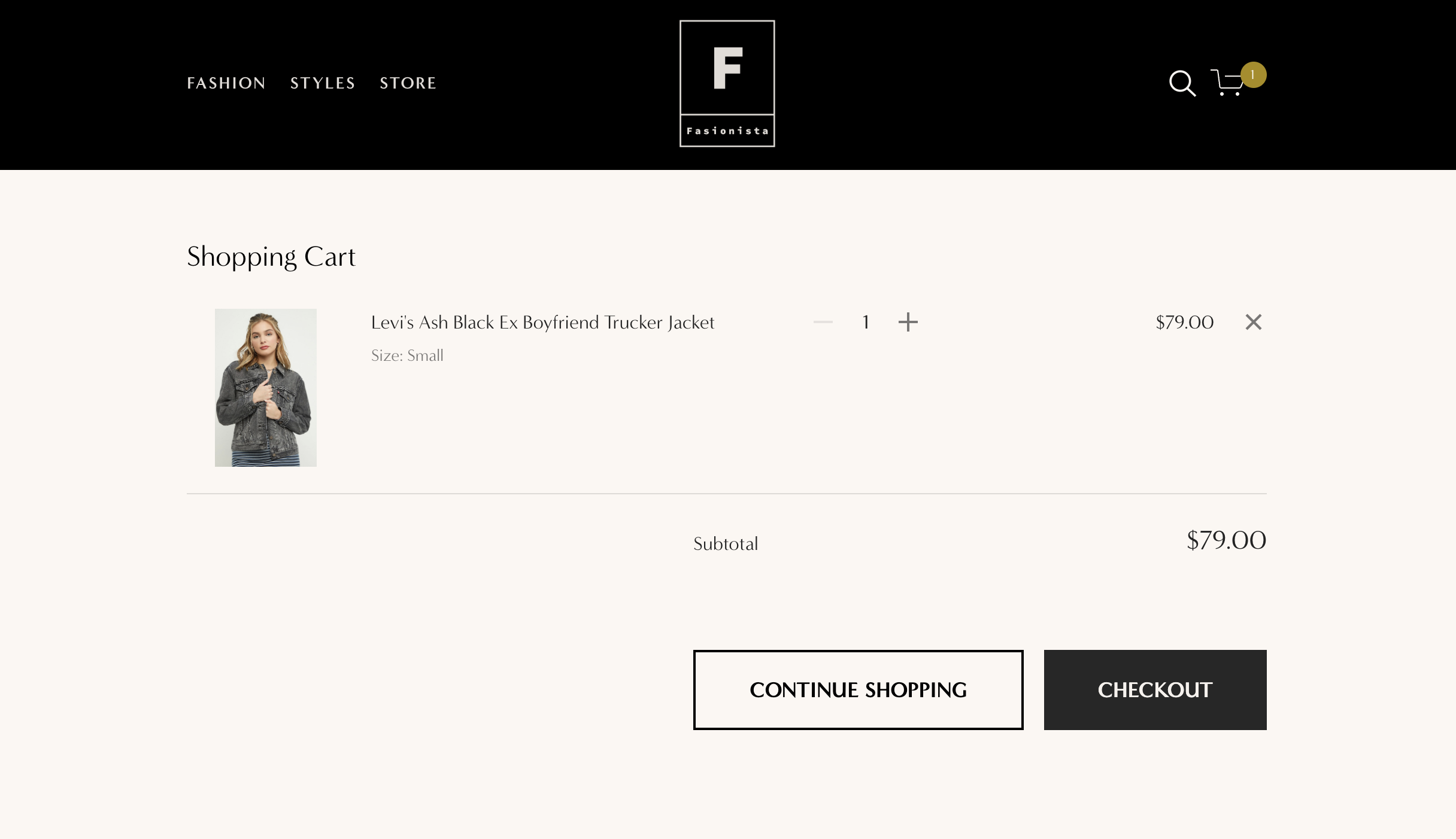
Continue Shopping button on Squarespace Cart page - Desktop example
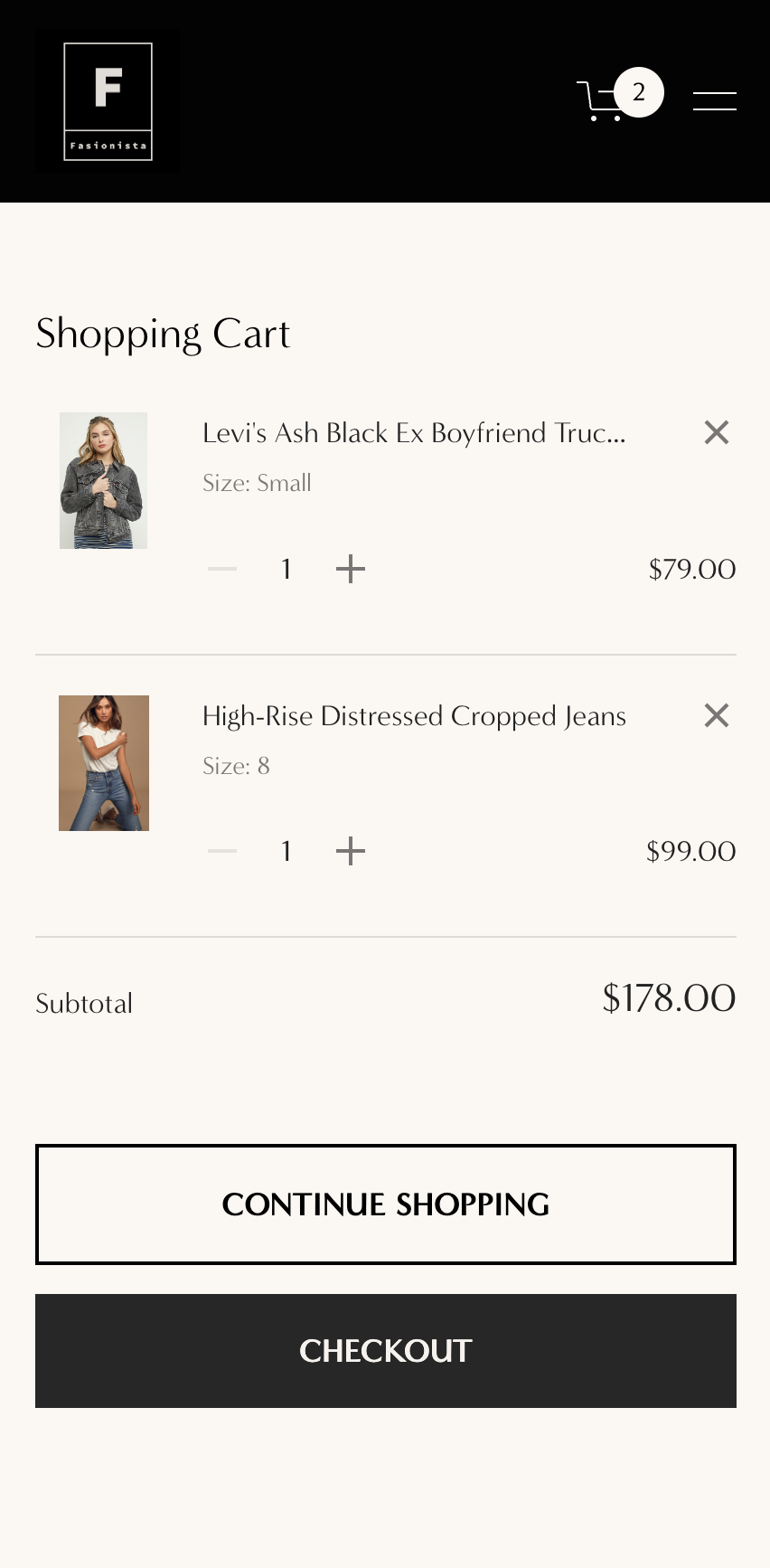
Mobile example
