

Age popup for Squarespace
Clearer audience. Minimum inconvenience.
No monthly charges.
Why do I need an age question?
Our age popup asks visitors to affirm they meet your age requirement before they view your Squarespace website. Popups can be helpful if you are selling items such as tobacco or alcoholic products.

No recurring fees
One-off payment. Unlimited usage on a single website.

Easy Installation
Quick and easy to install. No limits on visitors.

SEO unaffected
Our plugin does not lower your site’s ranking on search engines like some others.

Full language support
Display your age popup in any language (one language per site)

No unnecessary prompts
Choose the time between prompts to avoid repeat popups.

Mobile friendly
The popup is responsive, adjusting for smaller mobile and tablet screens.

Any Squarespace site
Compatible with all Squarespace 7.1 websites.

Includes your site logo
The popup can automatically use your site logo.

Match your brand
The guide explains how to match popup colours to your brand.
Make your website family friendly. Check each visitor’s age.

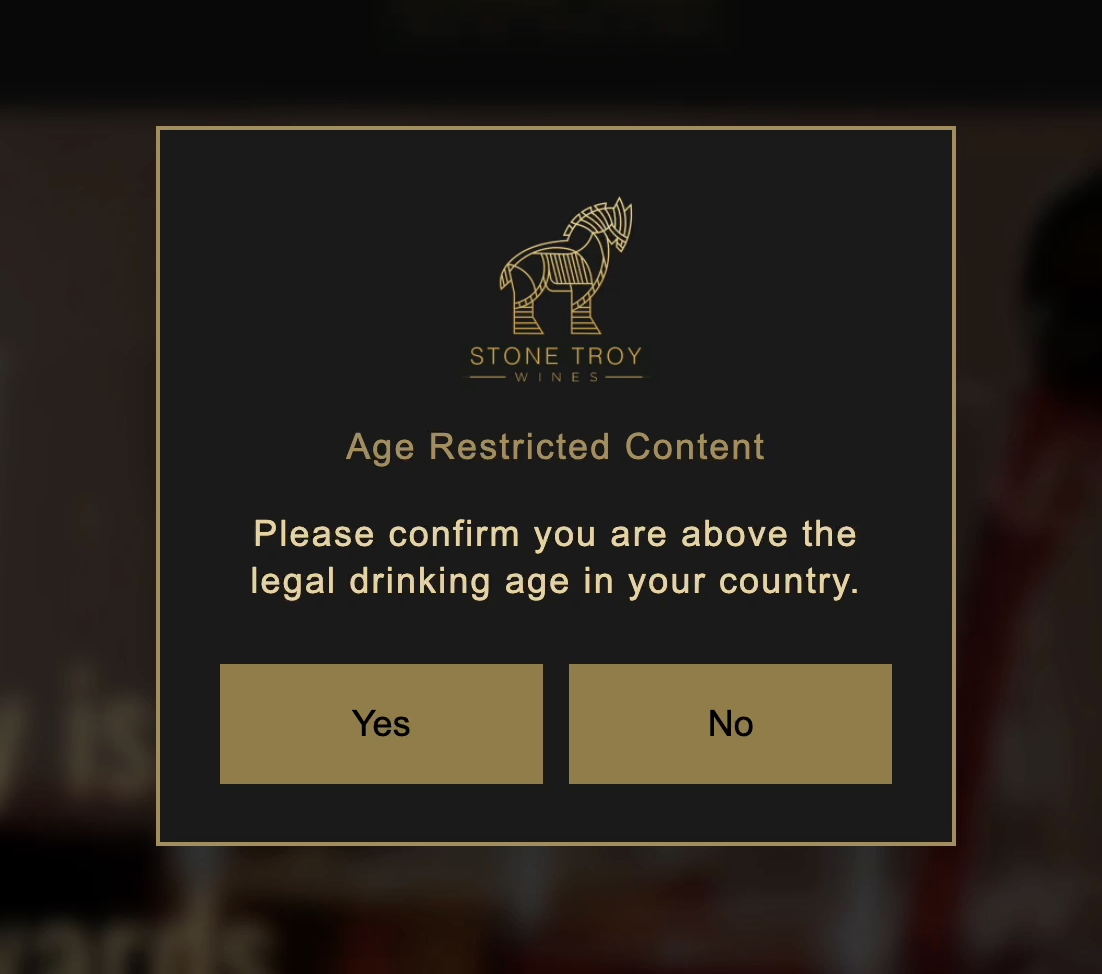
Before you purchase this product, we recommend that you check relevant legislation for minimising the risk of access to your website by minors, and ensure that a yes / no option in response to an age question is sufficient to meet the required standards and laws.
Check this product will meet your needs before purchase. See the limitations and requirements below. This is not a regulated age verification method.
How customers are using it
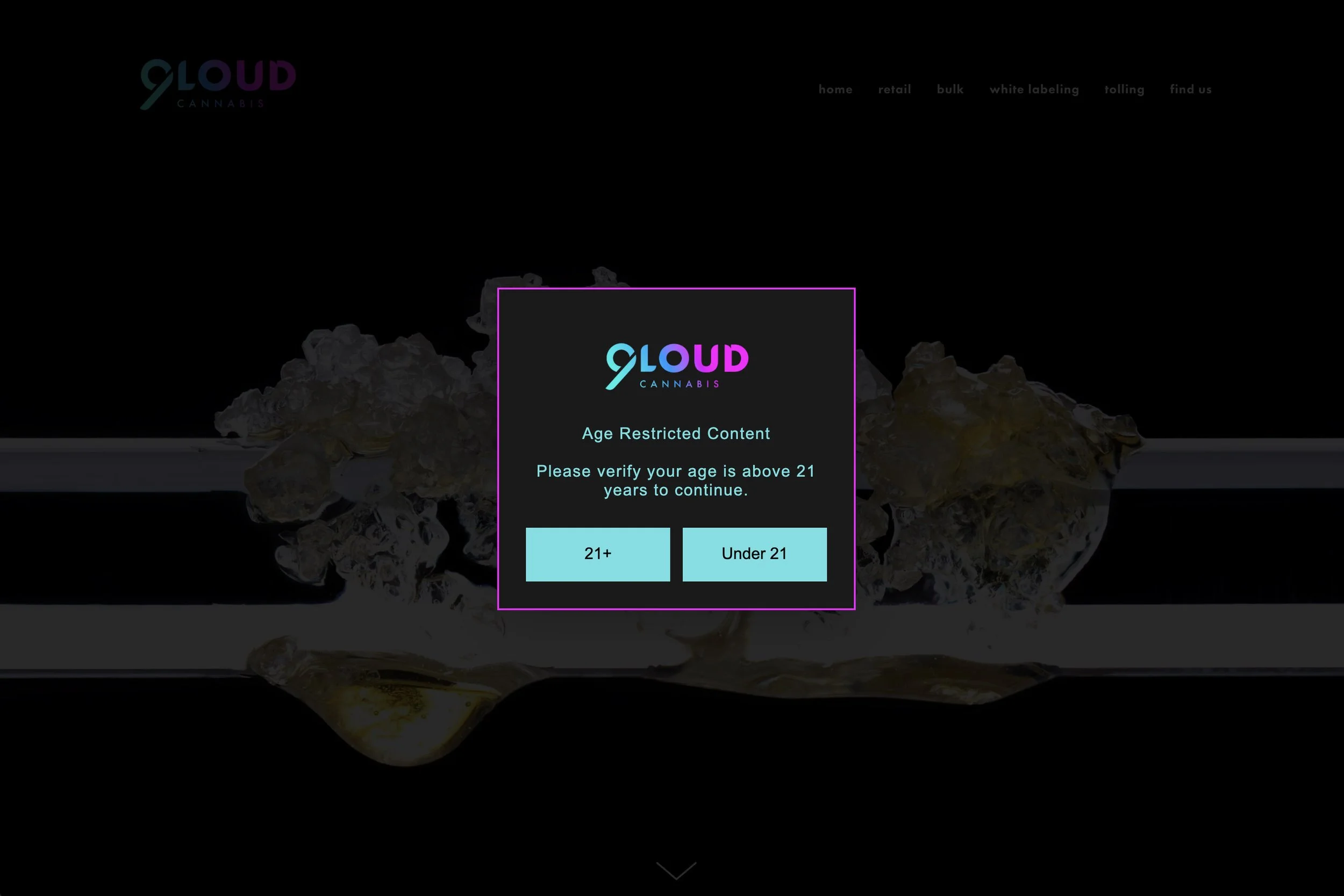
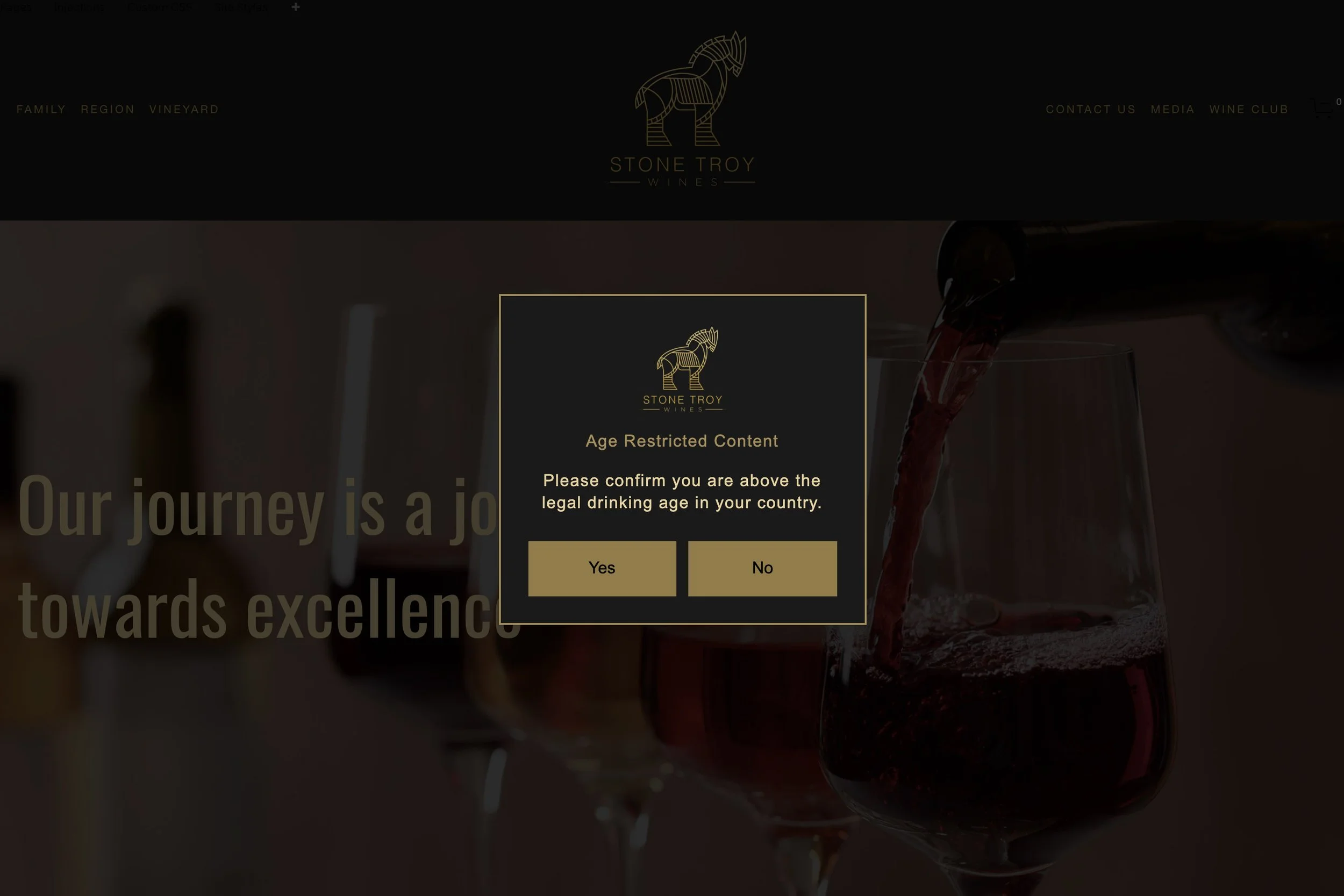
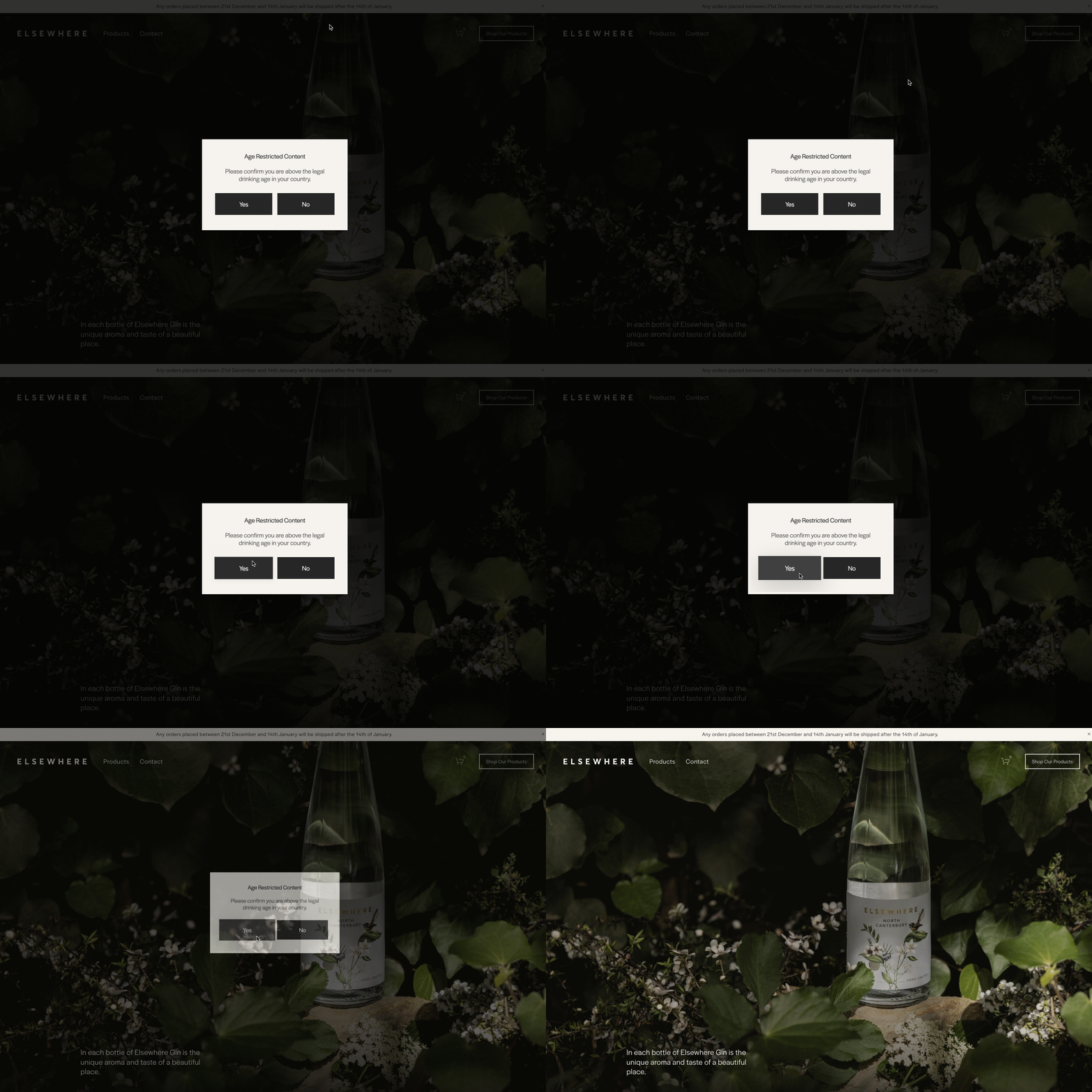
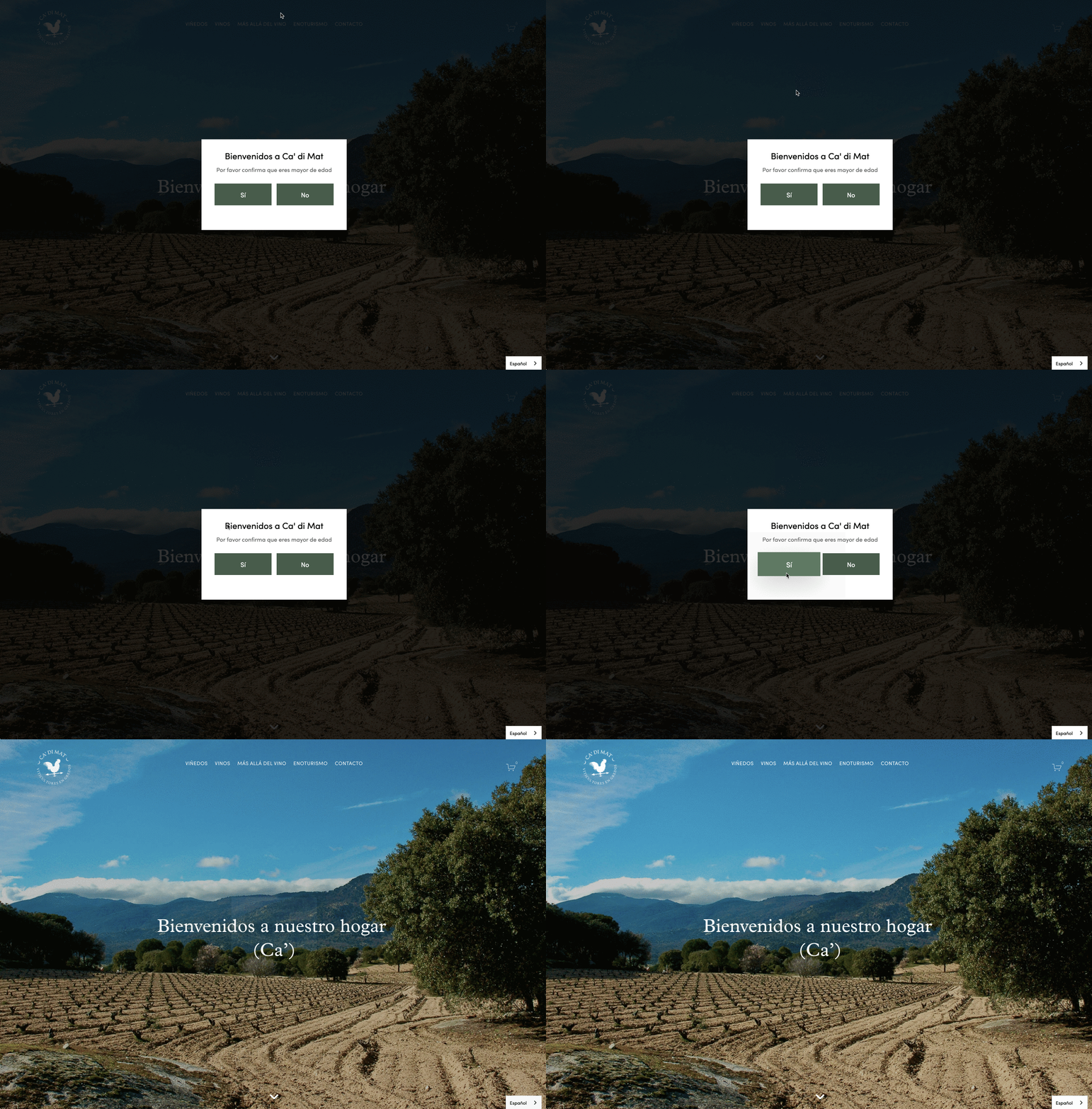
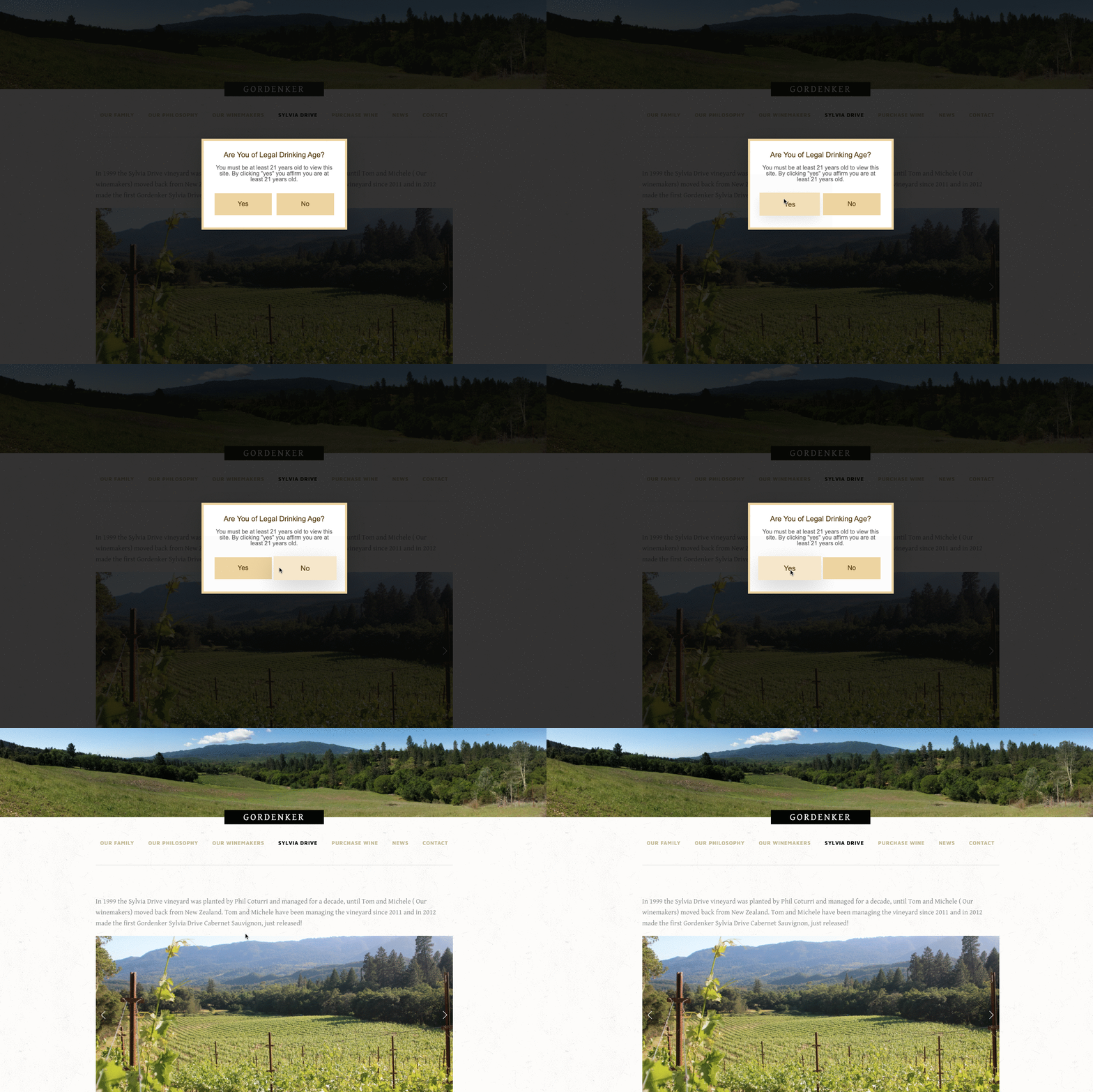
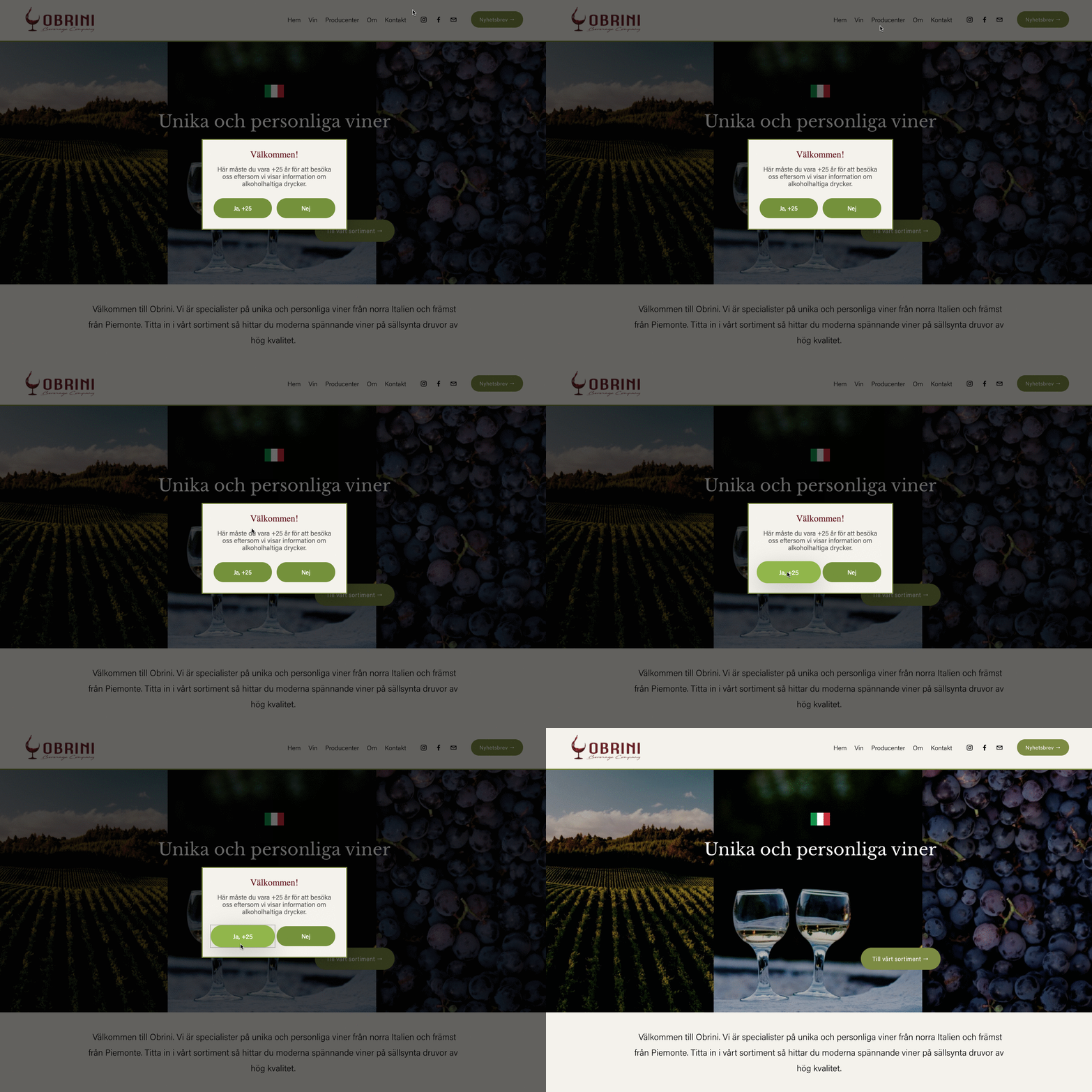

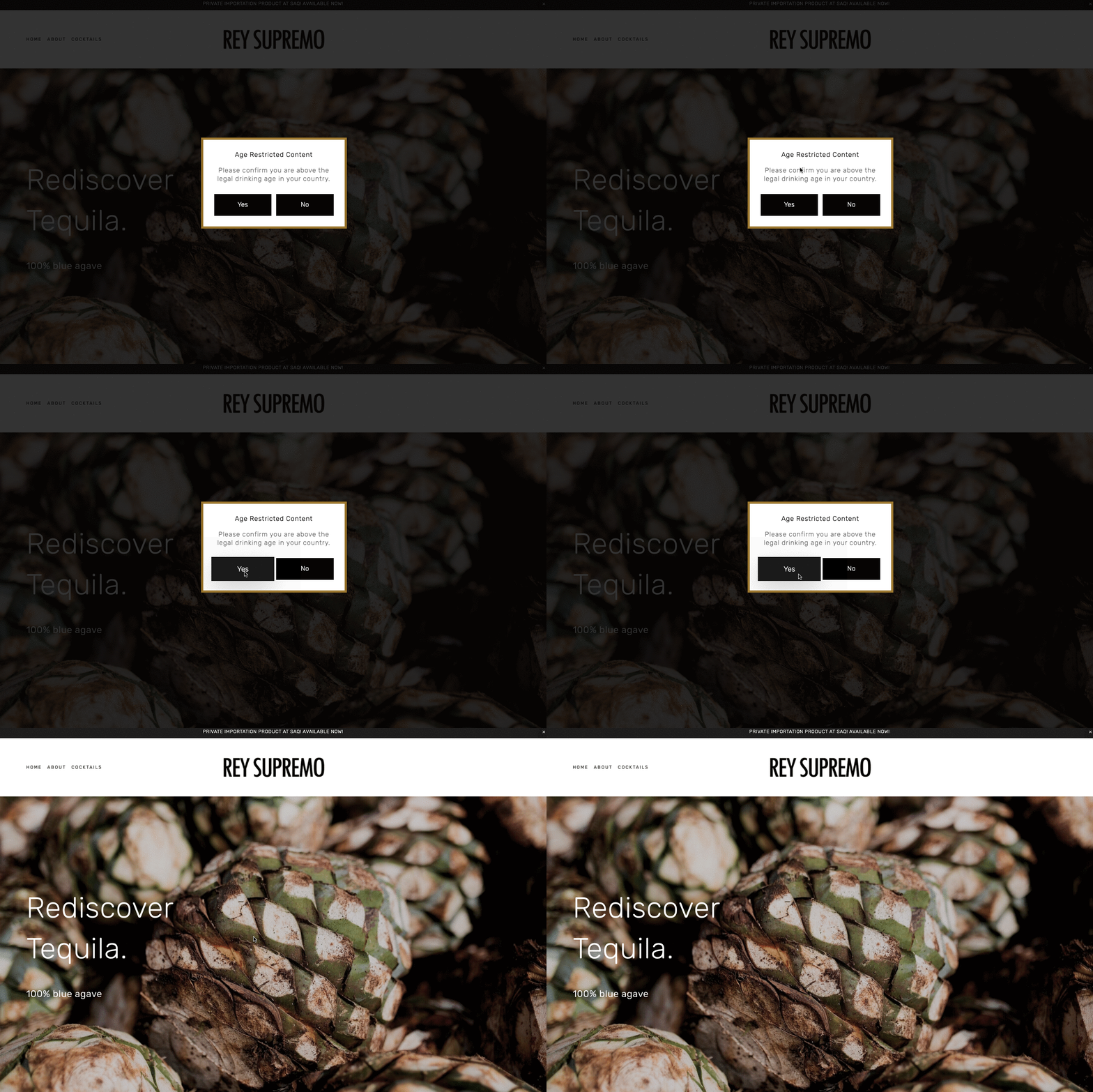

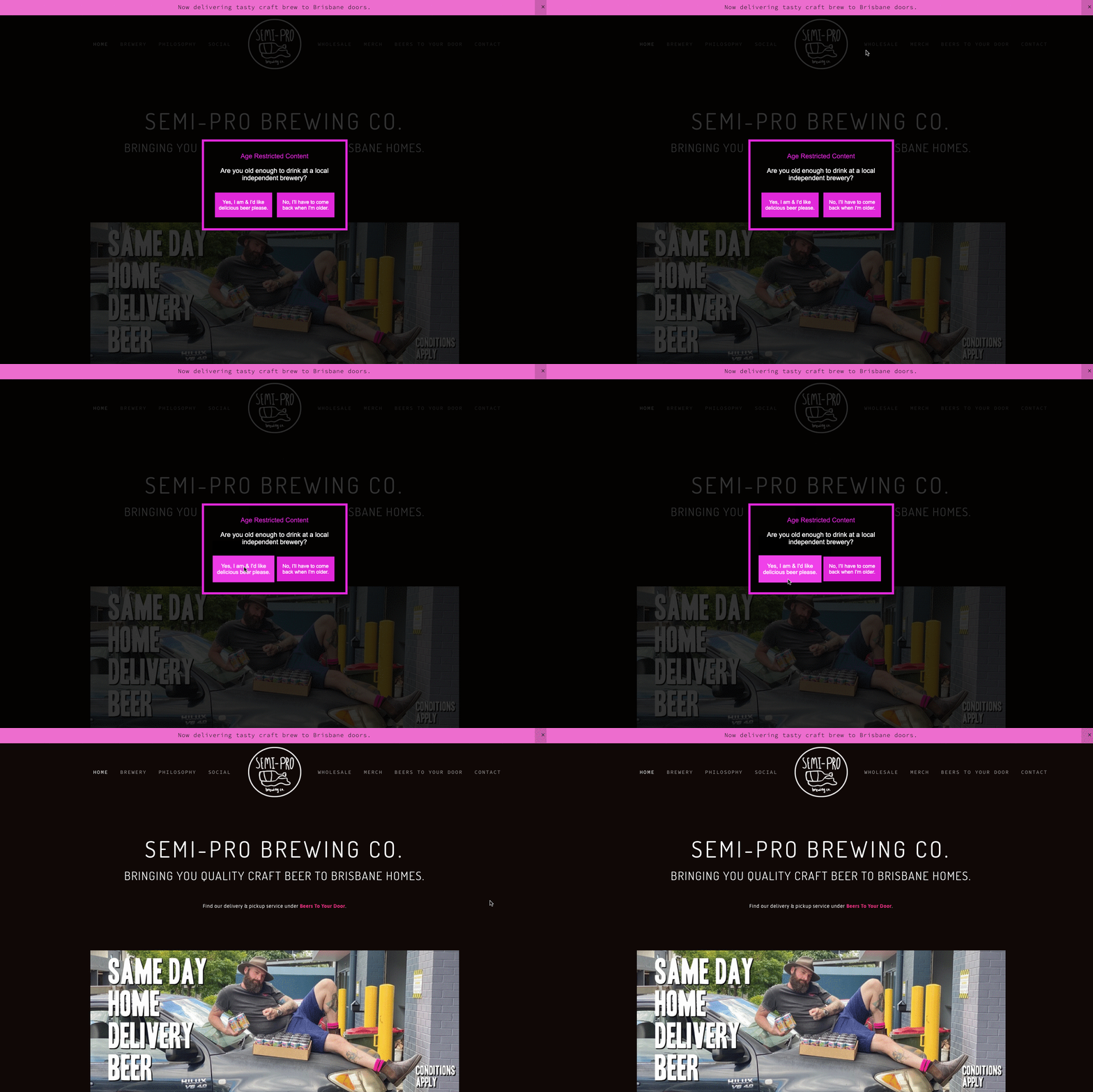


Our plugin is installed on the websites shown above. The inclusion of these examples does not imply a recommendation, nor does it indicate that we were involved in the design of these sites; we weren’t. Content can change without notice, so it may be possible that the plugin has been disabled or removed from these sites before we have had the opportunity to remove a link. The screenshots and links have been published in good faith and for general information purpose only. These websites may be copyrighted and/or trademarked by the businesses they reference. Designers of these sites may have customised the product themselves after purchase.
How does our product differ from other solutions?
Our popup includes your site logo automatically (optional).
There are no visitor limits.
We do not insert our own branding or advertising on this product.
There are no monthly or annual fees. It’s a one-off payment.
It does not slow down your site like other cheaper popups that require jQuery.
It is responsive; it adjusts for desktop, tablet and mobile.
It won’t negatively affect your site’s SEO. Popups should only consume 15%-or-less of the page, otherwise your site may be penalised by search engines.
This product is purpose built for Squarespace. We did not convert it from other platforms.
The popup will block content when a visitor first appears on your site, regardless of which page they view first, or you can install it on specific pages.
You can choose the URL where underage visitors are sent, or send them back to the site they came from.
Limitations and Requirements
We believe in honesty and transparency so we clearly list the full product specification and limitations of each product. This isn’t “small print” or “fine print”. This is important information that you should read carefully to ensure this product will meet your needs. If you have any questions, we’re here to help. We have a chat service (using the link at the bottom of the site, limited hours apply) or you can contact us by email using the pre-sales support form.
All our plugins are digital products and, unlike physical products, cannot be returned. Orders cannot be canceled/refunded once supplied, unless the software can be proven to be faulty. Faulty digital products will be repaired or replaced.
The popup asks a simple Yes/No question. You can customise the wording of the question, as well as the labels on the Yes and No buttons. The popup does not ask for a user’s date of birth as this is personally identifiable information.
This product does not constitute a regulated age verification method as required by the Online Safety Act 2023 in the UK. Before you purchase this product, we recommend that you check relevant legislation for minimising the risk of access to your website by minors, and ensure that a Yes/No option in response to an age question is sufficient to meet the required standards and laws.
The popup can appear on all pages of your website or selected pages. You decide during installation. The popup is designed to appear on every protected page until the user answers the question. For example, you could protect your entire website, or specific pages.
The popup can automatically load your site logo or use a text based title. Alternative logos cannot be used.
This plugin is compatible with all templates on the latest version of Squarespace.
You can install this popup on any Squarespace billing plan except Personal and Basic plans. If you're on a Personal or Basic plan, you can upgrade your website plan at any time. For more information on Squarespace Billing Plans, see Choosing the right Squarespace plan.
When you purchase the plugin, you get a single copy of the software for use on the single website with the domain specified on the order form. To protect our rights, the plugin is not transferable between websites and/or domains. It will stop working if the built-in Squarespace domain name or the primary domain name does not match the details supplied on the order form.
As specified in our Terms and Conditions, we cannot guarantee that the Software will be compatible with third party code, plugins, customisations or integrations installed on the Squarespace website. In particular, this product is not compatible with the Weglot Visual Editor.
All plugins are sold in accordance with our Terms and Conditions. Please read these carefully. In particular, please note that Squarespace can make changes to their services at any time, without prior notice. All such changes are outside of our control, and we cannot guarantee that our plugins will be compatible with future changes. This is true of all plugins and is not specific to our Squarespace products. We are explaining this because we believe that honesty and transparency are important. For further details about support, see section 15 of our Terms and Conditions.
Reviews
Frequently Asked Questions
How do I install the plugin?
The popup is easy to configure. Installation is as simple as copying and pasting the code into your website’s code areas. You can then customise the text and the style if required. Full instructions are provided when you purchase this product. We’re here if you need any help.
When will I receive the plugin?
We normally supply the product by email within three working days of your order, earlier if ‘express delivery’ is selected. option. For more information see Delivery Options.
Is my Squarespace template supported?
Yes! If you are using a Squarespace template, this plugin is compatible with your site, unless you are using a Personal billing plan.
It is compatible with all Squarespace supplied templates on version 7.0 and version 7.1, using Business plans and above (see below).
Is my Squarespace plan supported?
The plugin can be installed on sites that are on the Business, Commerce Basic and Commerce Advanced plans, as well as some legacy plans. The plugin is unsuitable for the Personal plan because this plan does not support JavaScript. If you are unsure which plan you are on, check the Billing section of your website. To do this, click Settings, click Billing & Account, and then click Billing.
How does it work?
When someone visits your website for the first time, they'll see a popup asking them to confirm they are of a suitable age to view the content. You decide the message!
Your website will be displayed 'underneath' the popup, but a semi-transparent overlay will prevent them accessing the site until they click one of the buttons in the popup. You choose how transparent the overlay should be.
If they tap the Yes button, the popup will disappear (in an animated way) and they'll be allowed to access your site. A cookie will be created on their computer so that the popup doesn't reappear for a set period of time. You decide how long this should be!
If they click the No button, they'll see a message explaining that they cannot visit the website. A button in the popup allows them to return to the website they were viewing previously or to view another website. You specify this behaviour.
Can I try the plugin?
Yes, please try our simple demonstration site
Can I choose a different language?
Yes. The text on the popup is fully customisable, including the buttons. You can change the text to any language.
Will the popup affect my site's SEO?
The simple answer is no.
You may have read that popups can affect your site’s SEO (its ranking on search engines). This is true if they use a redirect or interstitial. However our plugin serves the popup without blocking search engines from crawling your site. It uses a JavaScript/CSS overlay that allows the search engine to read your content, but effectively blocks human visitors from viewing it until they’ve confirmed they aren’t underage.
Can I customise the font family?
When supplied, the popup uses standard fonts that are available on the majority of devices, including Arial, Helvetica and sans-serif. If you would like to style the popup by using a font already installed on your site you can change this in the CSS. This is explained in the installation guide.
Can I customise the colours?
Yes. To keep things simple, we’ve used two colours: red (#B40035) and white (#FFF), but you can replace these with anything you like. All you need to know are the colour codes (or hex codes) that you want to use. If you have a branding guide, you probably know the colours that are used by your business.

If you don’t, you can use this colour picker to select your colours, then paste the values.
Can I make the overlay darker (less transparent)?
Beneath the popup, an overlay hides your site content until the visitor confirms they are eligible to view your site. By default the overlay is 80% opaque but you can adjust the transparency to meet your needs.
Can I prompt the visitor for their date of birth?
The plugin asks visitors to click ‘Yes’ or ‘No’ to confirm whether they are eligible to access the site. It does not ask for their date of birth as this is personally identifiable information. Data protection laws vary, but in many territories asking a visitor for their date of birth in return for access to the site may not be considered lawful use of this personal data.
Which pages will this popup protect?
The popup can appear on all pages of your website or selected pages. You decide during installation.
By default, this popup will appear on all pages of your Squarespace website until the user confirms that they want to view the website. by clicking one of the popup buttons. This happens regardless of which page they view first. For example, they may arrive on your site from a search engine result and never view the homepage.